
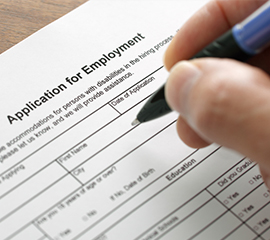

To get started, download the Employment application and fill it out the application completely.
New Hire Paperwork
After your interview, download the New Hire Documentation and fill it out all documents completely.
Instructions
Option 1: When you receive the welcome email with the employment application pdf, fill it out completely. When you have completed the application, reply to the email that you received.
Option 2: Download and complete the employment application. When you have completed the application mail it to email@email.com or send it through our document submission form.
Once you have completed step 1, we will schedule and interview with you. If you have not heard from Human Resources within 48 hours, please contact us at 18001234123 or email us at email@email.com
After the interview, you may received an email with new hire documentation to be completed.
Option 1: When you receive the New Hire email with the New Hire Documentation, fill it out all documents completely. When you have completed all documents, reply to the email that you received with all documents attached.
Option 2: If you did not receive the New Hire email, download and complete all the New Hire Documents. When you have completed all the documents, mail them to email@email.com or send through our document submission form.